The training app that connects to Google Sheets
Plan your workouts in Google Sheets,
and take Kinetivio along to train!
Keep your training plan in Google Sheets? Keep it there! Use Kinetivio to log what you complete and add comments.
Your workout progress and comments sync automatically back to Google Sheet.
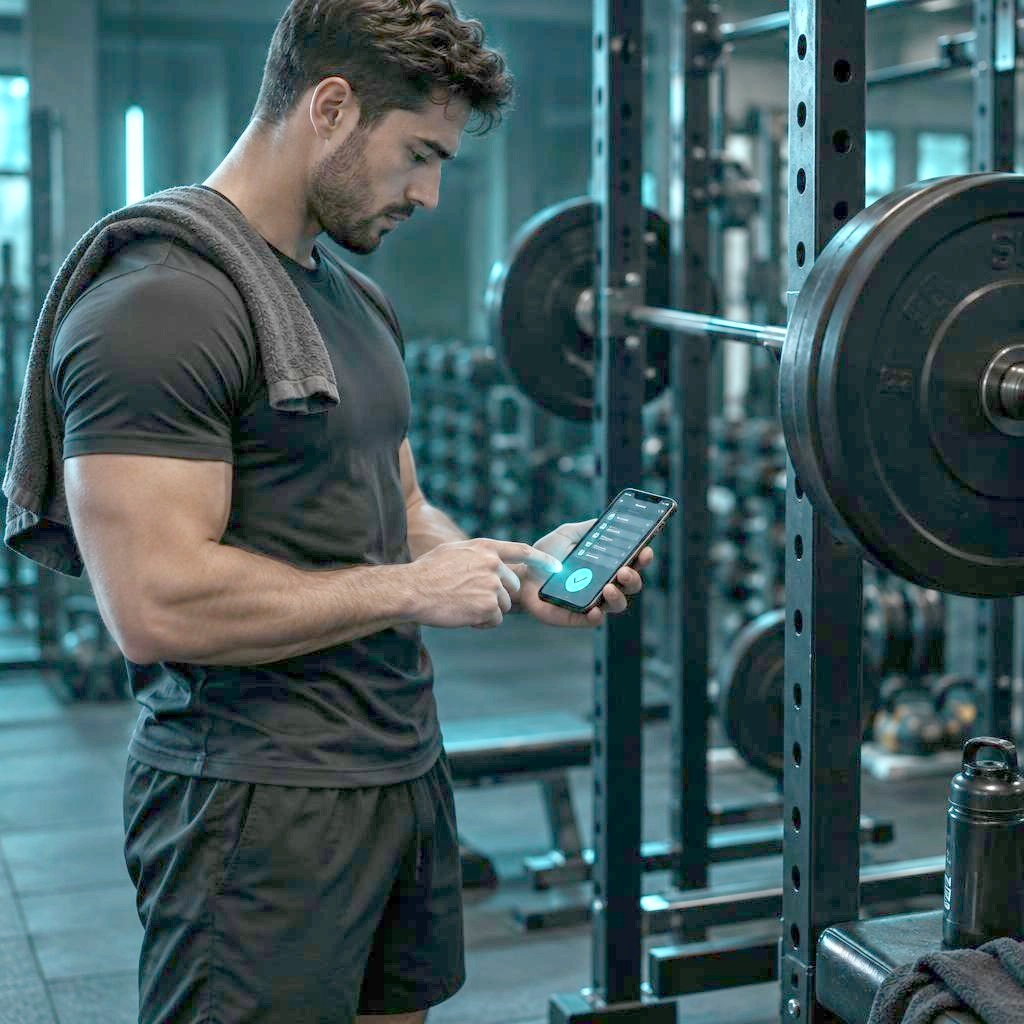
Google Sheets is great for planning. Kinetivio is built for training.
Google Sheets gives you something most workout apps cannot: complete freedom over how you structure your training plan. You can create your own program, use a coach’s spreadsheet, copy a template, add formulas, build charts and keep years of training data in a format you control.
The problem starts when you take that spreadsheet into the gym.
Cells are small. A training plan designed on a laptop takes scrolling and zooming on a phone. It is easy to edit the wrong cell, lose your place or spend more time managing the sheet than doing the workout.
Kinetivio keeps the flexibility of your workout spreadsheet and adds a mobile interface designed for the training itself.
How Kinetivio works with Google Sheets
As simple as it gets
Keep your training plan in whatever format works for you. Exercises and dates can run across rows or down columns — your choice. Kinetivio adapts to your layout and displays your plan in a phone-friendly view. It works just as well in the gym as it does outdoors. Everything you log and every comment you add in the app syncs with Google Sheets in real time, so nothing gets lost. Planning gets even easier, and progress comes faster.
Keep your workout plan in Google Sheets
Build your program the way you already do — with exercises, sessions, sets, reps, loads, notes, or any other information you use to plan your training.
Open your plan in Kinetivio
Connect your Google Sheet and open your planned workout in a mobile interface designed for use during training.
Train, mark it done, add a note
Follow your plan on your phone, mark completed work and add comments. Kinetivio automatically writes the completion status and your notes back to Google Sheets.
Keep the flexibility. Remove the gym-floor friction.
Your spreadsheet remains your plan
There is no need to recreate your training program inside a proprietary workout builder. Keep planning and editing in Google Sheets — the tool you already know.
A mobile interface made for workouts
Open your workout, log your progress and add quick comments without getting lost in a huge spreadsheet on a small screen.
Results go back to Google Sheets
When you mark work as completed or add a comment in Kinetivio, the information is automatically returned to your Google Sheet.
Your training data stays in a familiar format
Because your plan and feedback remain in Google Sheets, you can continue using your own formulas, dashboards, charts and analysis workflow.
Use your Google Sheets workout plan with Kinetivio
Start freeWhy not just use Google Sheets on your phone?
You can. Kinetivio is not designed to replace Google Sheets. It is designed to make the part that happens during the workout easier.
| Google Sheets on its own | Google Sheets + Kinetivio | |
|---|---|---|
| Build and edit your program | ||
| Keep your own spreadsheet format | ||
| Use formulas and custom analysis | ||
| Follow a workout on a mobile-first screen | Spreadsheet interface | Workout interface |
| Mark training completion | Edit the sheet manually | Tap in Kinetivio |
| Add workout comments | Edit a cell | Add them in Kinetivio |
| Results available in Google Sheets | Automatically synced | |
| Rebuild your program in another app | — | Not required |
Kinetivio adds a training interface to the spreadsheet workflow you already like.
Your main plan stays in Google Sheets
Many workout apps want you to move your entire training system into their own planner.
Kinetivio takes a different approach.
Keep the program where it is easy to create, edit, copy and analyze: Google Sheets. Use Kinetivio when it is time to train. Once the workout is done, the completion status and your comments are available back in the spreadsheet.
That means your plan does not become locked inside another workout platform.
Same plan. Better workout experience.
Use Kinetivio with the training plan that fits your sport
If you plan your training in Google Sheets, the same workflow can follow you into the gym, track, pool or training field.
Strength training
Follow planned exercises, sets, reps and loads without navigating spreadsheet cells between sets.
Bodybuilding and hypertrophy
Keep your split, exercise selection and progression plan in Google Sheets and record how each workout went from your phone.
Powerlifting
Keep structured squat, bench and deadlift programming in your spreadsheet while using Kinetivio during the session.
Running and endurance training
Follow a spreadsheet-based weekly training schedule and record completion and session notes as you go.
Cycling and triathlon
Keep longer training blocks and planning logic in Google Sheets while making daily sessions easier to follow on mobile.
Custom training plans
Your sport does not need a dedicated template. If your training plan lives in Google Sheets, Kinetivio gives you a cleaner way to work with it during training.
Built for people who already have a plan
You create your own training program
Keep the spreadsheet workflow you have already refined instead of rebuilding it around the limitations of a workout app.
Your coach sends you a Google Sheet
Follow the program from your phone while keeping completion and feedback connected to the spreadsheet.
You coach with Google Sheets
Continue planning in the flexible environment you already use, while giving spreadsheet-based training a more practical mobile workflow.
From spreadsheet to workout — and back again
Your training plan starts in Google Sheets.
Kinetivio displays your planned workout in a phone-friendly view
You train, mark completion and leave a comment.
The result is written back to your Google Sheet automatically.
| Date | Exercise | Sets | Reps | Load (kg) | Done | Comment |
|---|---|---|---|---|---|---|
| 09/05 | Back squat | 4 | 8 | 60 | Felt strong. | |
| 09/05 | Bench press | 4 | 8 | 50 | Hard, +2.5 | |
| 09/05 | Bent-over row | 3 | 12 | 50 | ||
| 09/05 | Lunges | 3 | 12 | 20 | Next time 22.5 | |
| 09/05 | Plank | 3 | 60 | — | Easy. |
Synced to Google Sheets
How athletes use Kinetivio
I’ve been doing powerlifting for about a year. My dad writes my training plan, he is a Candidate for Master of Sport. Now I’m preparing for my first powerlifting competition in Bristol in April 2027. Kinetivio is really convenient for making notes during training, while Google Sheets is much better for planning periodization and macrocycles.
I coach several athletes, including my son, who is preparing for a powerlifting competition. I’ve been keeping all my training records in spreadsheets for many years — first in Excel, then in Google Sheets. It’s very convenient because I’ve set everything up exactly the way I need it.
What is not convenient is making notes during the workout — entering the weights and writing how hard the exercise felt. Everything is too small on the phone and typing into the cells is not comfortable. In the mobile app it’s much easier to log the workout, while Google Sheets is much better for planning and analysing the training.
AI helped me create a training plan for the Mumbai Marathon in November. I asked it to build the plan based on my starting data and Jack Daniels’ book. It created a six-month periodized plan in a spreadsheet. It was easy to sync it with Kinetivio and then use Kinetivio as a training diary.
Frequently asked questions
Is Kinetivio a Google Sheets workout tracker?
Kinetivio works as a mobile workout interface for training plans stored in Google Sheets. You keep planning in your spreadsheet, use Kinetivio during the workout, and automatically send completion status and comments back to the sheet.
Does Kinetivio replace Google Sheets?
No. That is the point. Google Sheets remains the place where your workout plan lives. Kinetivio makes the plan easier to use while you train.
Do I need to rebuild my workout plan inside Kinetivio?
No. Kinetivio is designed for people who want to keep using Google Sheets rather than move their entire training plan into a separate workout builder.
What information is synced back to Google Sheets?
Your workout completion status and comments entered in Kinetivio are automatically written back to your Google Sheet.
Why use Kinetivio instead of the Google Sheets mobile app?
Google Sheets is excellent for building and editing workout plans, but a spreadsheet interface was not designed for quick interaction during a workout. Kinetivio provides a cleaner mobile training experience while keeping Google Sheets as your planning and data tool.
Can I use Kinetivio with a workout plan from my coach?
Yes. If your training plan is provided through Google Sheets, Kinetivio lets you follow that plan from your phone while keeping workout feedback connected to the spreadsheet.
What kinds of training plans can I use?
Kinetivio is designed for spreadsheet-based training plans, including strength training, bodybuilding, powerlifting, running, endurance training and other structured programs that are planned in Google Sheets.
Who is Kinetivio for?
Kinetivio is for athletes and coaches who like the flexibility of Google Sheets but want a faster, cleaner way to use a workout spreadsheet during training.
What access to my Google account does Kinetivio require?
Kinetivio does not ask you to grant access to your Google account. You connect a specific Google Sheet by its link, and that file must be shared so Kinetivio can read the training plan and write workout completion status, comments and requested feedback back to it. Kinetivio does not access Gmail, Google Photos, Google Calendar or other data in your Google account.
Will Kinetivio change the structure of my Google Sheet?
No. Kinetivio keeps your existing spreadsheet as the source of truth. It does not move your plan into a separate workout builder or reorganize your rows and columns. It only reads the plan and writes workout completion status, comments and requested feedback into the designated fields.
Your plan. Less friction.
Keep your plan in Google Sheets.
Make it easier to train.
Stop choosing between a flexible spreadsheet and a convenient workout app. Use both.
Plan in Google Sheets. Train with Kinetivio. Sync the result back automatically.
- Works with your Google Sheet
- Built for training
- Automatic sync back to the sheet
- No plan rebuilding required

Same plan. More progress.